 3bcd278aa6
dc4551c22cremove incompatibility release note for darkmode on macos (Sylvain Goumy)303cfc6227allow darkmode on macos build (Sylvain Goumy)78f75a2d60Allow icon colorization on mac os to better support dark mode (Uplab) Pull request description: Allow icons to be colorized on macOS to support native Dark mode color scheme. Rendering on macOS Big Sur before PR: 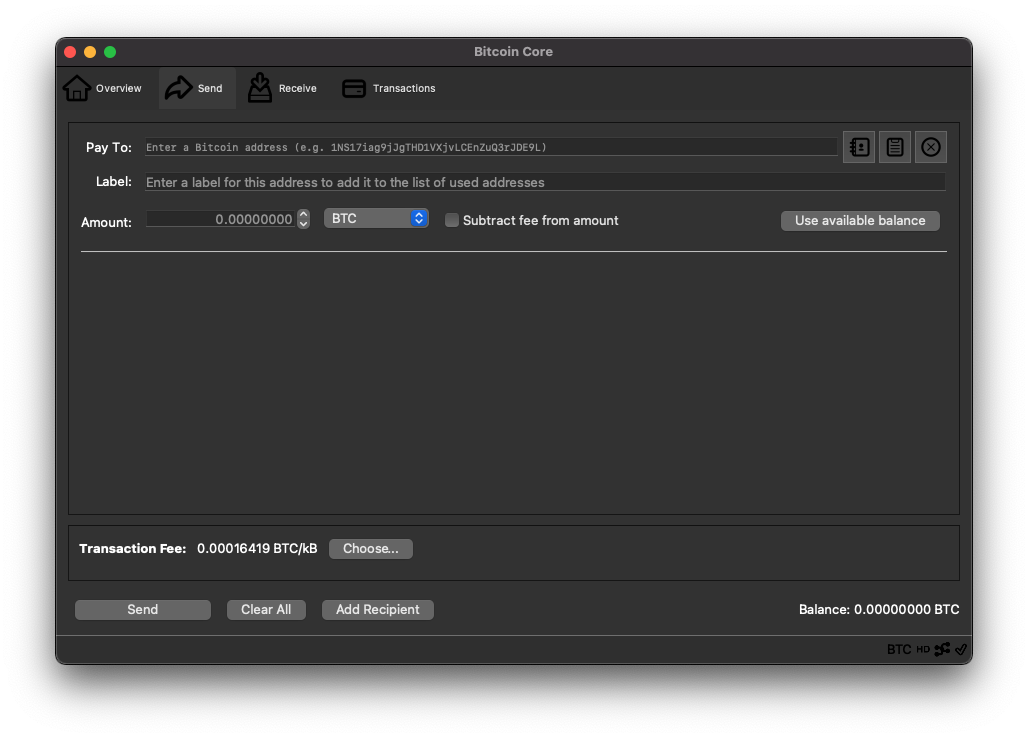 Rendering on macOS Big Sur after PR: 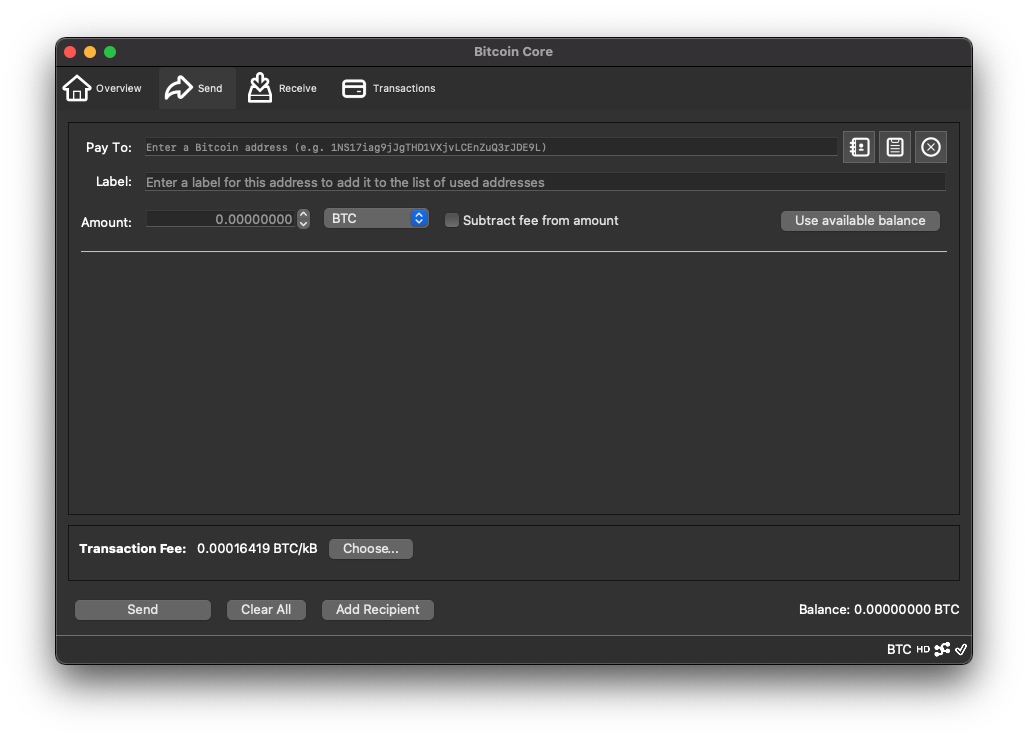 Light mode stay visually unchanged. <del>Note, that this currently only affect the build from source, as the macos dmg includes an attributes to force light color scheme on macos windows (see https://github.com/bitcoin/bitcoin/pull/14593). </del> <del>But once all glitches are fixed, we will be able to remove this temporary fix. </del> Edit: this PR is know including the removal of `NSRequiresAquaSystemAppearance` on Info.plist file so that the color fix is apply to every build. Linked issues: #68 #136 ACKs for top commit: hebasto: re-ACKdc4551c22cjarolrod: ACKdc4551c22cTree-SHA512: 1c3a4dec796063e61fcaf80112afc2b15c8669a1cd30ebd537cea96647c20215f8f80289719f905820bb0c490c8c1f94bfae4bb32f9c6d1fdd4e8f199ebb559f



Bitcoin Core
Setup
Bitcoin Core is the original Bitcoin client and it builds the backbone of the network. It downloads and, by default, stores the entire history of Bitcoin transactions, which requires a few hundred gigabytes of disk space. Depending on the speed of your computer and network connection, the synchronization process can take anywhere from a few hours to a day or more.
To download Bitcoin Core, visit bitcoincore.org.
Running
The following are some helpful notes on how to run Bitcoin Core on your native platform.
Unix
Unpack the files into a directory and run:
bin/bitcoin-qt(GUI) orbin/bitcoind(headless)
Windows
Unpack the files into a directory, and then run bitcoin-qt.exe.
macOS
Drag Bitcoin Core to your applications folder, and then run Bitcoin Core.
Need Help?
- See the documentation at the Bitcoin Wiki for help and more information.
- Ask for help on #bitcoin on Freenode. If you don't have an IRC client, use webchat here.
- Ask for help on the BitcoinTalk forums, in the Technical Support board.
Building
The following are developer notes on how to build Bitcoin Core on your native platform. They are not complete guides, but include notes on the necessary libraries, compile flags, etc.
- Dependencies
- macOS Build Notes
- Unix Build Notes
- Windows Build Notes
- FreeBSD Build Notes
- OpenBSD Build Notes
- NetBSD Build Notes
- Android Build Notes
- Gitian Building Guide (External Link)
Development
The Bitcoin repo's root README contains relevant information on the development process and automated testing.
- Developer Notes
- Productivity Notes
- Release Notes
- Release Process
- Source Code Documentation (External Link)
- Translation Process
- Translation Strings Policy
- JSON-RPC Interface
- Unauthenticated REST Interface
- Shared Libraries
- BIPS
- Dnsseed Policy
- Benchmarking
Resources
- Discuss on the BitcoinTalk forums, in the Development & Technical Discussion board.
- Discuss project-specific development on #bitcoin-core-dev on Freenode. If you don't have an IRC client, use webchat here.
- Discuss general Bitcoin development on #bitcoin-dev on Freenode. If you don't have an IRC client, use webchat here.
Miscellaneous
- Assets Attribution
- bitcoin.conf Configuration File
- Files
- Fuzz-testing
- Reduce Memory
- Reduce Traffic
- Tor Support
- Init Scripts (systemd/upstart/openrc)
- ZMQ
- PSBT support
License
Distributed under the MIT software license.